 Free for personal use
Flatty alpha Linux · macOS · Windows
Flatty is a pixel art editor for low-poly 3D designers and indie game artists. It turns your drawings into 3D models in real time and lets you create beautiful, perspective vector graphics.
v0.10.2 / Free for personal and indie use
Draw pixels on the canvas and give them some depth.
Flatty lets you export the model as GLB, OBJ, STL or a Blockbench file, the picture as PNG or SVG, and an animation as GIF or MP4.
Paint layer by layer
Use the built-in brush, shapes, text and mixing modes, or import your own images and place them straight onto the canvas.
Give each layer depth
Depth and Z offset per layer. Flatty computes the geometry as you work, so the 3D view is never out of date with the canvas.
Or get vector art back
The Vector pane reads the model and the camera you are looking through, and draws it again as vector art: technical drawing, ink wash, newsprint, screentone, pastel, origami or cells.
What's changed lately
Recordings clean up after themselves now: closing Flatty no longer leaves an encoder running behind it.
A canvas recording now runs until you stop it, and Stop keeps the film. The colour in hand copies straight out of the Palette pane.
Three more painting techniques in the Vector pane: Crayon, Pastel and Origami. Nine ways of drawing the model now.
A small tool for happy accidents
Painting tools
Square and circle brushes, flextrude, basic shapes, experimental generators, glyph stamper, eight mixing modes, per-stroke build-up and speed.
Bring your own art
Import images, place them on the canvas, then trace over them or extrude them as they are.
Palettes
A library of premade palettes, and the ability to create your own or import them from the most popular formats.
Layers & depth
Depth and Z offset on every layer, allowing you to compose your final 3D model out of multiple slices.
Vector output
Hatched, solid-colour, pastel and a variety of other treatments, with control over line colour, width and the lines between colours.
Fluid workspace
2D canvas, 3D view, outliner, palette, vector pane. Arrange them once, or rearrange them every day.
Made in Flatty
DOWNLOAD
Pick your system and run the file.
simple / fun
v0.10.2released 4 September 2026
Linux
YOUR SYSTEMx86_64 · glibc 2.28 or newer
AppImage5.1 MBtar.gz4.6 MBchmod +x flatty_*_linux_amd64.AppImage
./flatty_*_linux_amd64.AppImageNo terminal? Right-click the file → Properties → Permissions → allow executing. Same thing.
macOS
YOUR SYSTEMMonterey 12.7.6 or newer
Apple Silicon4.3 MBIntel4.6 MBtar xzf flatty_*_darwin_arm64.tar.gz
xattr -d com.apple.quarantine flatty
./flattyFlatty is not notarised, so the first launch needs a right-click → Open rather than a double-click.
Windows
YOUR SYSTEMWindows 10 and 11 · x64
zip4.7 MBInstallersoon- Right-click the .zip → Extract All
- Open the folder and run flatty.exe
- Keep the folder wherever you like, it is fully portable
SmartScreen warns about unsigned apps. More info → Run anyway.
Nothing is installed
No registry keys, no background services, no launch agents.
Nothing phones home
Flatty works offline. There is no telemetry and no account.
Uninstalling is deleting
Move the file to the bin and Flatty is gone from the machine.
Support us!
Before you download
Something not answered here? Write to me and I'll be happy to answer.
Is it free?
Yes, for personal use, with no trial timer and no locked features. Personal use includes earning a little from what you make.
Can I use it in a game I sell?
Yes. What you make is yours, with no royalty and no revenue share, and selling a game or an asset pack is personal use while what you earn from everything made with Flatty stays under EUR 1,000 in any twelve months. Past that, or for client work and work inside a company, it takes a commercial licence: a short conversation, that is all.
Does it change anything on my machine?
No. Flatty runs from the file you downloaded. Nothing is written outside it apart from your own saved work.
Do I need to be online?
Only to download it. After that Flatty never needs a connection, and it will not open one on its own.
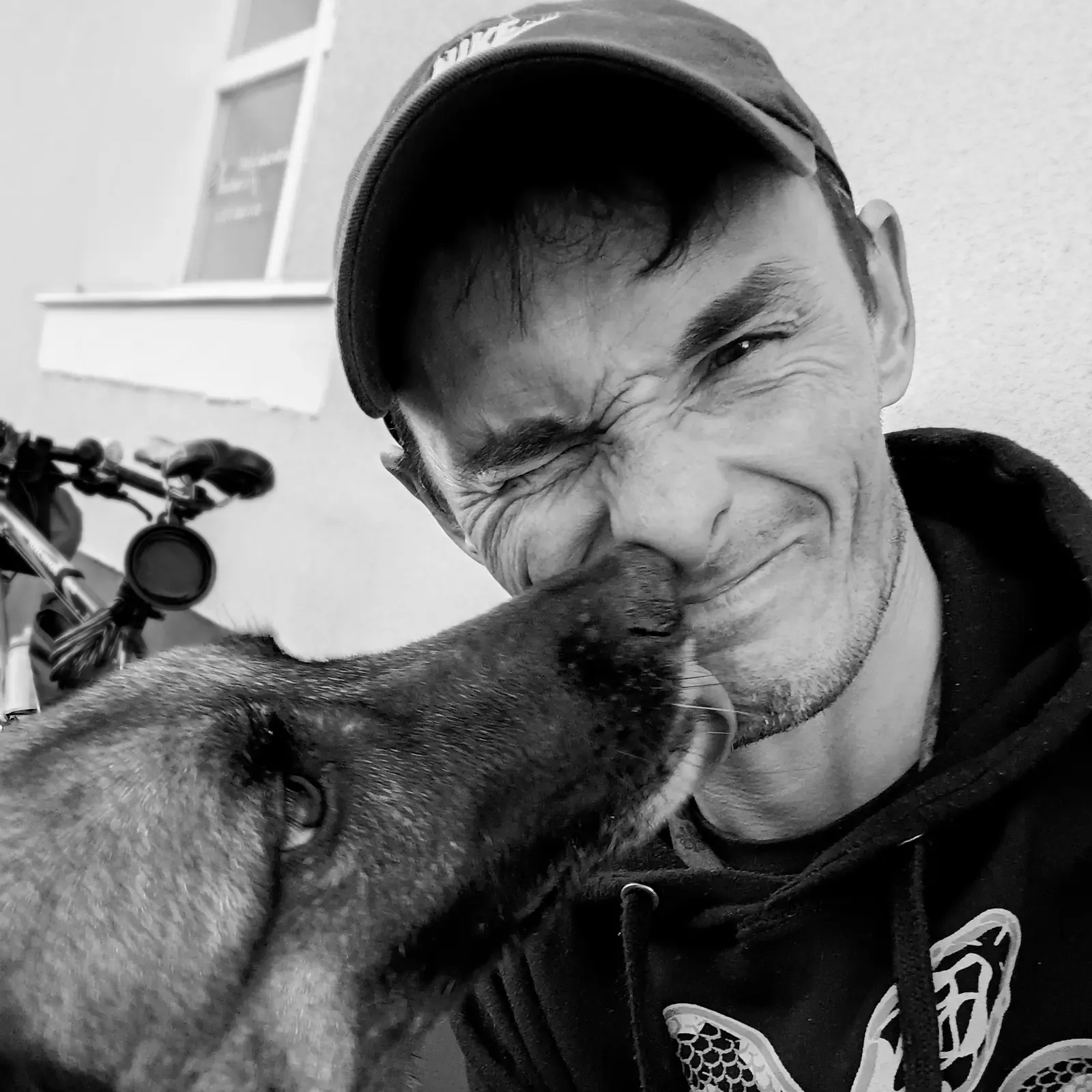
Built by Greg with great support from Rico and Claude
for my nephews
I live in a town in eastern Poland, and I work remotely for clients wherever they happen to be. I enjoy yoga, animal flow, music, and dabbling in the look of things. Feel free to reach out if you want to collaborate or just chat about web development, WordPress, or anything else!
Sixteen pixels and an afternoonThe cloud at the top of this page is 16x16 and four layers. That is the whole barrier to entry.